
PMI SUPPORT
Magic Remote Support
Pair your remote, choose a control mode and find the right setup for your machine.
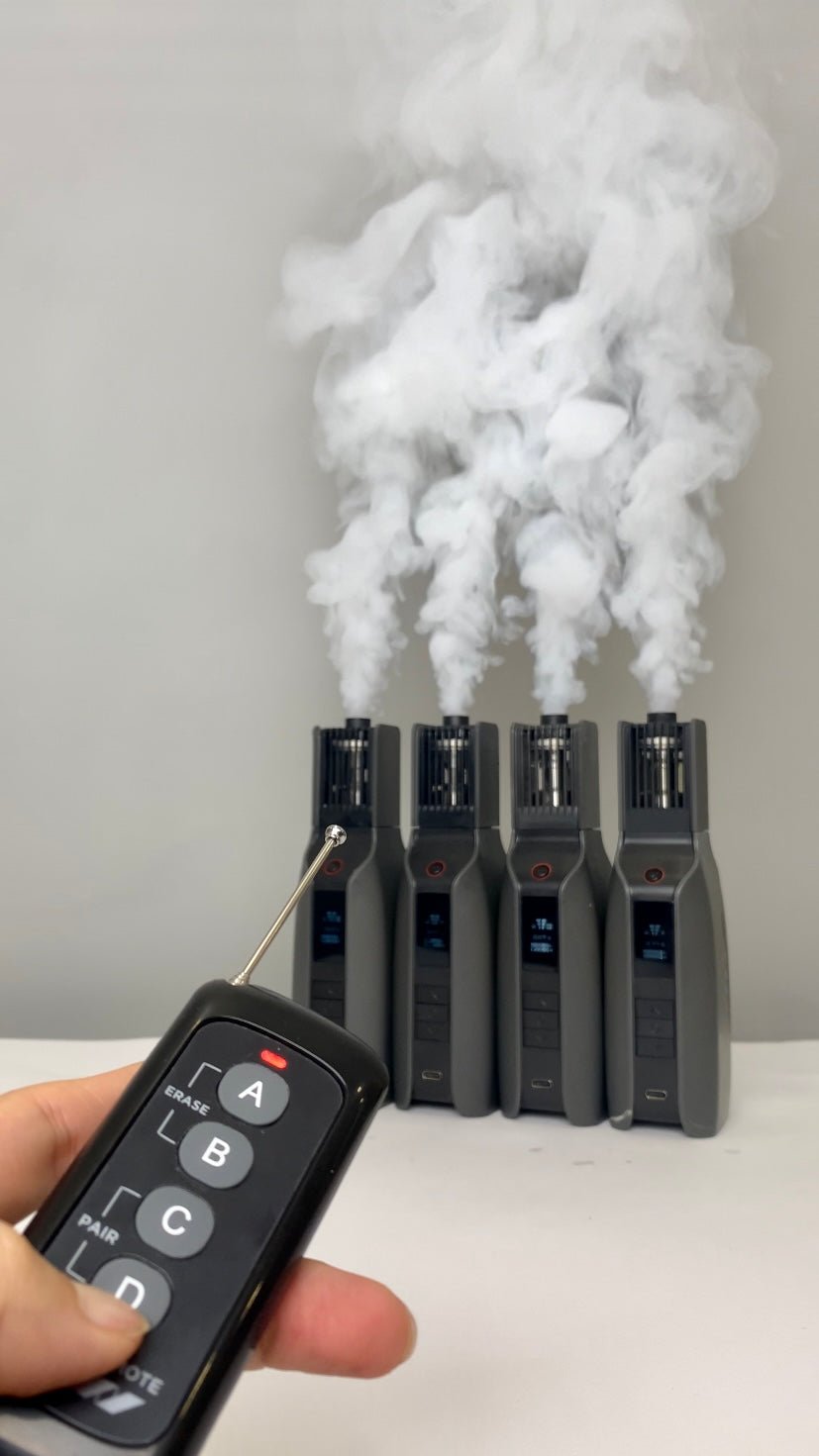
Tutorial Videos
Follow the official SmokeGENIE tutorials for pairing, control modes and multi-machine setups.
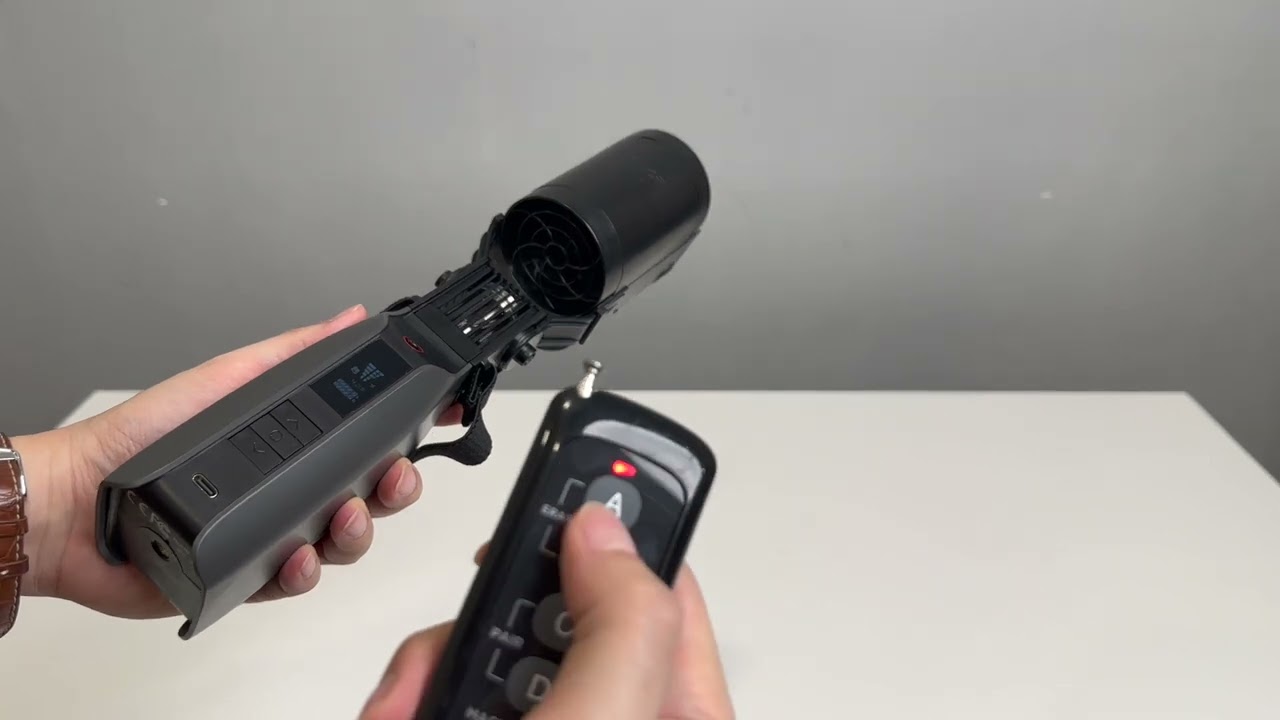
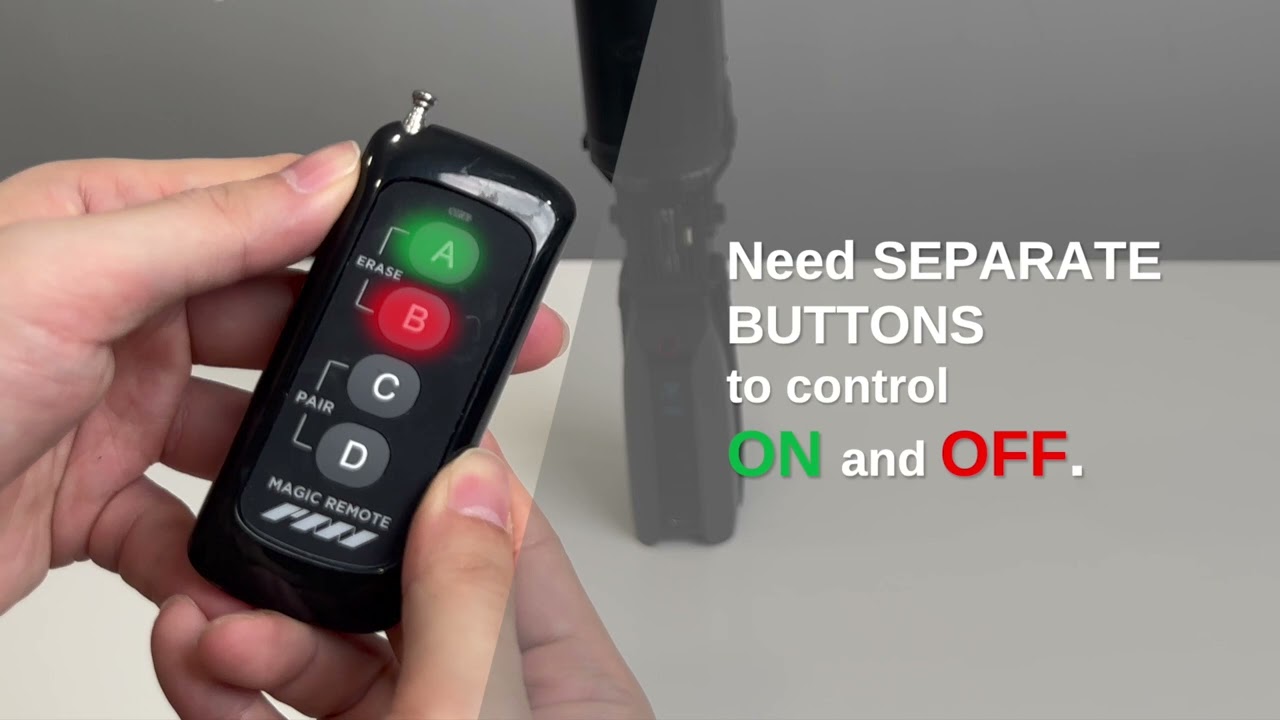
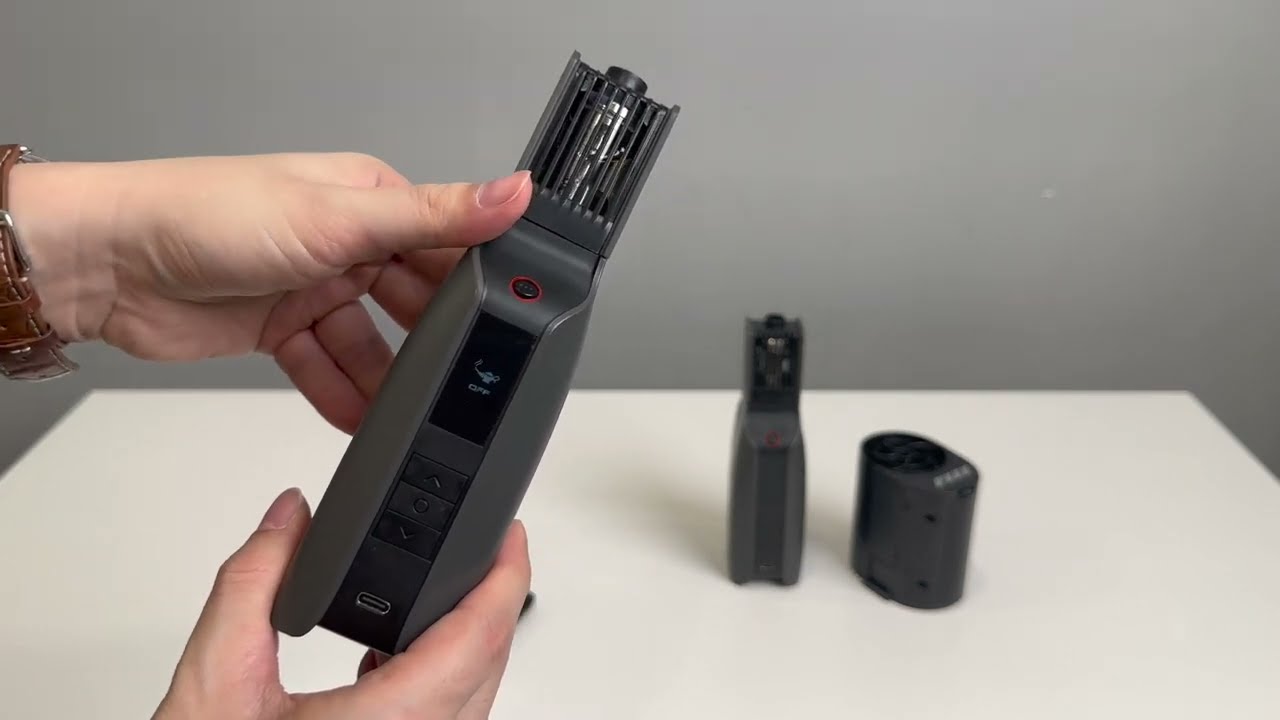
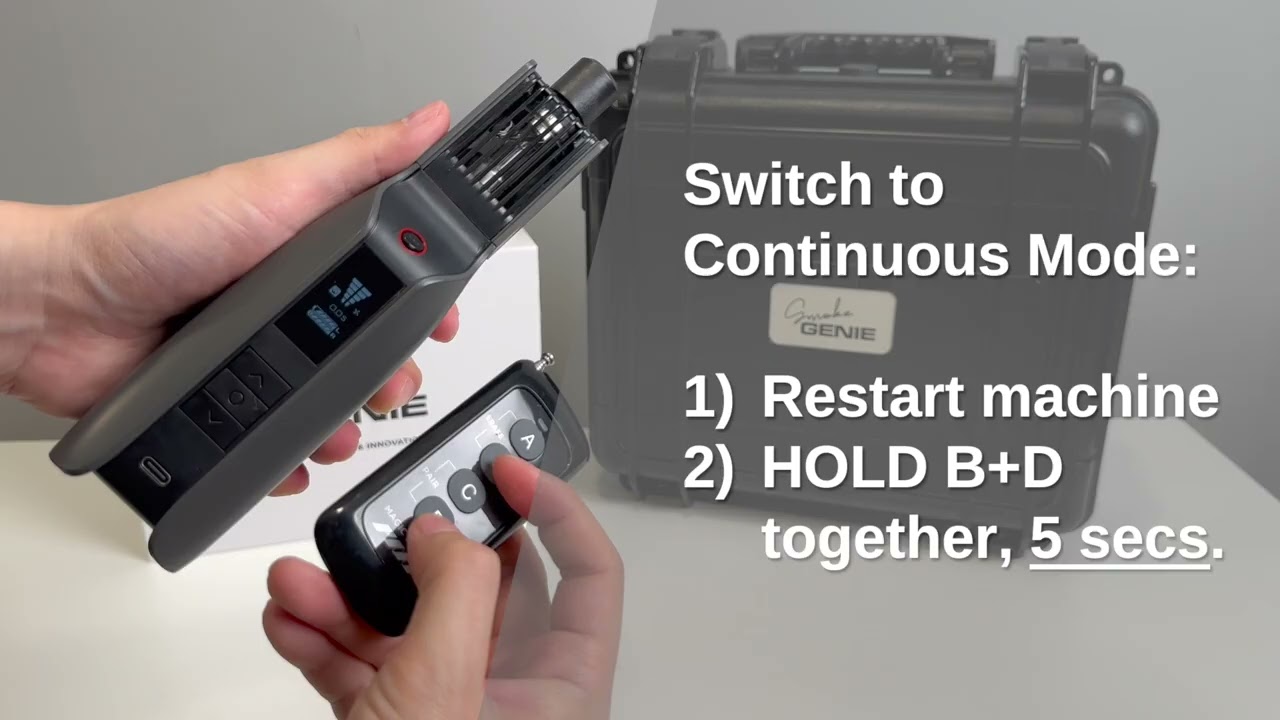

Setup and controls
For upgraded SmokeGENIE: the startup screen must display “PRESS 3x TO START”. These button sequences are SmokeGENIE instructions; other models use their own setup guidance.
Compatibility
Match the machine and version before pairing. Control functions and setup steps depend on the connected device.
SmokeGENIE
Supported on the upgraded version whose startup screen reads PRESS 3x TO START.
SmokeNINJA
Listed as compatible in PMI’s accessory guide. Follow the setup instructions for your machine.
SmokeNINJA PRO
Listed as compatible in PMI’s accessory guide. Follow the setup instructions for your machine.
SmokeNINJA PRO V2
Magic Remote is included in the SmokeNINJA PRO V2 Trident Kit. Follow the V2 setup guidance.
RC Haze Fan
Covered in PMI’s Magic Remote operating guide.
Other models
Compatibility is not verified here. Contact PMI support with your exact model before choosing a setup.
Browse PMI accessories · Magic Remote setup and controls
Specifications
Control channels
4 buttons / control groups
Battery
1 × 23A, 12 V cell · included
Dimensions & weight
90 × 40 × 15 mm · 33 g
Weight
33 g
Need help with your setup?
Tell us which machine you use and what happens when you press the remote button.
Email PMI support